




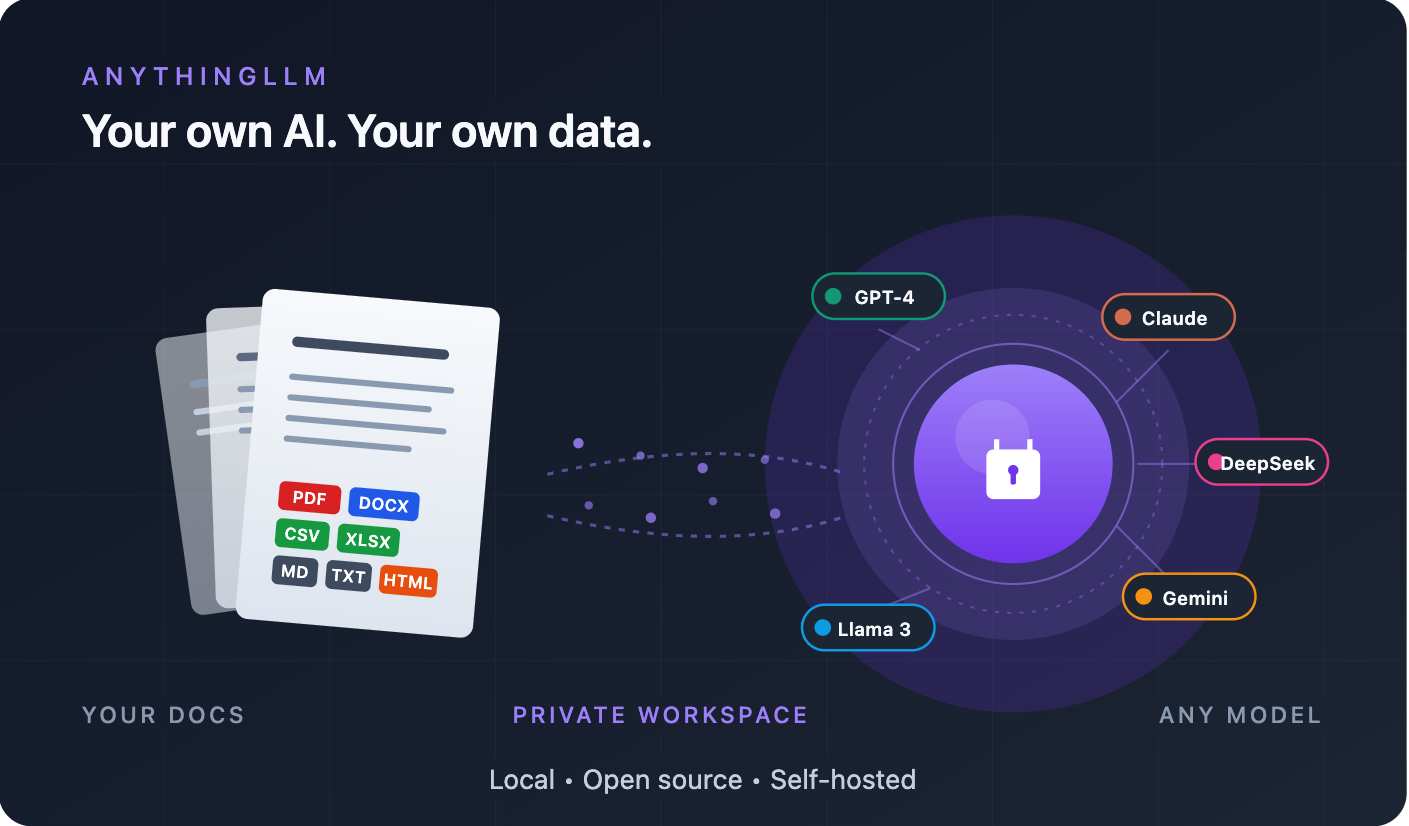

If you’ve ever caught yourself thinking “can I really paste this contract into ChatGPT?”, “is it safe to upload my client’s documents to OpenAI?”, or simply “I wish I had my own ChatGPT, trained on my own files” — this guide is for you.
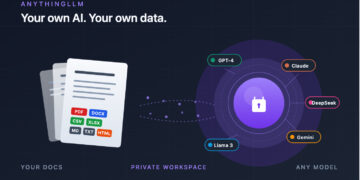
AnythingLLM is one of the most practical tools available right now to solve exactly that. It’s open source, free, runs on your own machine (or your own server), and gives you a complete AI environment built around your own documents. With GDPR, HIPAA, SOC 2 and a growing patchwork of data-protection rules around the world, plus the sheer amount of sensitive data law firms, clinics, finance teams and companies deal with daily, this kind of tool stopped being a hobbyist curiosity and became a compliance requirement.
Let’s get into it.
Before you start: Desktop or Docker?
This is the first decision. Getting it wrong costs you an afternoon.
| What you need | Best version |
|---|---|
| I want to test it on my laptop, just for me | Desktop |
| I’ll use it with my team / company | Docker |
| I want to embed a chatbot on my website | Docker (only version with the widget) |
| I don’t want to configure anything, just install and run | Desktop (ships with a built-in AI engine) |
| I have a VPS / server to host this on | Docker |
Simple rule: if it’s just for you, grab the Desktop app. If it’s for a team or production, go Docker.
⚠️ Heads up: turning on multi-user mode in the Docker version is essentially a one-way decision. Think it through before flipping that switch.
What your machine needs
- RAM: 2 GB minimum; for decent local models (Llama 3, Qwen, DeepSeek), aim for 8 GB+
- Disk: at least 10 GB free
- OS: Windows, macOS, Linux, or any server running Docker
- GPU: not required, but makes a huge difference
For context: a laptop with a Ryzen 5 / Intel i5 and 16 GB of RAM runs smaller models comfortably. For Llama 3 70B locally, you’ll want a serious GPU (RTX 3090/4090) or a rented cloud instance.
Desktop install (the fast path)
Grab the installer from anythingllm.com:
- Windows: download the
.exe, double-click, next-next-finish. - macOS: download the
.dmg, drag it into Applications. - Linux: grab the
.AppImage(chmod +xthen run it) or the.deb(sudo dpkg -i filename.deb).
On first launch, a setup wizard walks you through three choices:
- AI model — use the built-in engine (zero config) or connect Ollama, OpenAI, Anthropic, Gemini, Groq, DeepSeek, etc.
- Embeddings — the default local CPU embedder works fine
- Vector database — LanceDB ships bundled, no setup needed
After that, click “New Workspace”, give it a name, and you’re off.
Docker install (for servers)
If you’ve got a VPS — AWS, GCP, Azure, Hetzner, DigitalOcean, Linode, whatever — paste this into your terminal:
export STORAGE_LOCATION=$HOME/anythingllm && \
mkdir -p $STORAGE_LOCATION && \
touch "$STORAGE_LOCATION/.env" && \
docker run -d -p 3001:3001 \
  --cap-add SYS_ADMIN \
  -v ${STORAGE_LOCATION}:/app/server/storage \
  -v ${STORAGE_LOCATION}/.env:/app/server/.env \
  -e STORAGE_DIR="/app/server/storage" \
  mintplexlabs/anythingllm
Then open http://localhost:3001 in your browser.
What each flag does:
-p 3001:3001→ the port the app will run on--cap-add SYS_ADMIN→ needed for the built-in web scraping (Puppeteer under the hood)-v ...→ where your data lives (survives container rebuilds and image updates)
Golden tip for Ollama + Docker users
If Ollama is running on your host machine and you want to connect to it from inside the container, don’t use localhost — it won’t resolve. Use:
http://host.docker.internal:11434
On Linux, you also need to add --add-host=host.docker.internal:host-gateway to your docker run command.
⚠️ If you’re exposing this to the public internet, put Nginx with SSL in front of it. AnythingLLM doesn’t handle HTTPS on its own. And rotate your API keys regularly — they grant full access.
Your first 10 minutes
Step 1: Create a workspace
Each workspace is like a smart folder with its own documents, configured model, and chat history. It’s the single most important concept in the tool.
Step 2: Upload documents
Click the upload icon inside your workspace. AnythingLLM accepts:
- Documents: PDF, DOCX, TXT, Markdown, CSV, XLSX, PPTX, HTML
- Code: 50+ source file types
- Audio: auto-transcribes with Whisper (great for meeting recordings)
- External sources: GitHub repos, YouTube transcripts, Confluence pages, and any website (built-in scraper)
Step 3: Embed (this step matters)
When you upload a file, you’ve got two options:
- Attach: the document enters that specific chat only. Good for one-off analysis.
- Embed: the document is chunked, vectorized, and made available across the entire workspace. This is real RAG.
Click “Move to Workspace” to kick off the embedding.
Step 4: Ask questions
Type your question. The system pulls the relevant chunks and feeds them to the model.
Getting weak answers? Go into the workspace settings (gear icon) and change “Document similarity threshold” to “No Restriction”. Then raise it gradually until you find the sweet spot.
Step 5: Trigger agents
To go beyond chatting with documents, prefix your message with @agent:
@agent search the web for the latest news on Anthropic Claude@agent what documents can you see in this workspace@agent generate a chart from the CSV I just uploaded
To exit agent mode, type exit.
Real-world use cases
⚖️ Use case 1: Law firms analyzing contracts and case law
The problem: an attorney can’t just paste a client’s contract into ChatGPT. It breaks attorney-client privilege, runs afoul of GDPR / state bar rules, and depending on jurisdiction can trigger disciplinary action.
The fix: AnythingLLM Desktop + Ollama running Llama 3 (or Qwen 2.5) 100% locally. Create one workspace per client or per matter. Upload contracts, briefs, case law, depositions, then ask:
“Flag any unenforceable clauses in this contract.” “Summarize this Supreme Court opinion in five bullet points.” “Diff this draft against the previous version and list every material change.”
Nothing leaves your machine. Privilege preserved, compliance intact.
💼 Use case 2: Accounting and bookkeeping firms
The problem: balance sheets, P&Ls, tax filings, spreadsheets with data on hundreds of clients. None of this should be flowing through a public LLM API.
The fix: one workspace per client. Upload years of financials, tax returns, GL exports, then ask:
“Compare operating income between FY2023 and FY2024 for this client.” “Spot any inconsistencies between the income statement and the cash flow statement.” “List every client with revenue growth above 30% last quarter.”
Pair it with agents to automate monthly reporting.
🏥 Use case 3: Clinics, hospitals, and healthcare professionals
The problem: patient records, charts, lab results — extremely sensitive data protected by HIPAA in the US, GDPR in Europe, PIPEDA in Canada, and similar regulations elsewhere.
The fix: AnythingLLM Desktop running fully offline, no external API. Upload clinical guidelines, protocols, peer-reviewed literature, and use it as a clinical decision support tool:
“What are the current protocols for resistant hypertension?” “Summarize the latest cardiology society consensus on this topic.”
Patient data never touches an outside server.
🏢 Use case 4: Internal company knowledge base
The problem: your team asks the same questions on Slack every week: “what’s the expense reimbursement process?”, “how do I request time off?”, “where’s the onboarding doc?”. HR and IT become a human FAQ.
The fix: deploy AnythingLLM via Docker on a company server, then build workspaces per function:
- HR: policies, benefits, procedures
- Engineering: runbooks, technical docs, postmortems
- Sales: scripts, product FAQs, objection handling
- Finance: AP processes, expense workflows, approval chains
Each employee accesses only what they need (via roles). You end up with an internal ChatGPT for your company, with zero data leakage.
📚 Use case 5: Studying for an exam or certification
The problem: you’re prepping for the bar exam, CFA, USMLE, an AWS certification, or any other heavy exam — you’ve got hundreds of PDFs, study guides, and notes you can’t keep track of.
The fix: one workspace per subject. Upload everything. Use it as a personal tutor:
“Quiz me with 10 exam-style questions on tort law.” “Explain this opinion as if I’m a complete beginner.” “What’s the difference between EC2 and ECS, with a practical example?”
Tip: combine with agent mode so it can also pull in supplementary material from the web.
📰 Use case 6: Monitoring and research
The problem: the AI ecosystem moves weekly. OpenAI ships something today, DeepSeek tomorrow, a Google paper the day after. Tracking it all manually is impossible.
The fix: use Agent Flows (AnythingLLM’s visual flow builder) to set up an automated pipeline:
- Scrape HackerNews filtered for “AI”
- Extract the relevant links
- Summarize everything in Markdown
- Save the output to your research workspace
The official docs have a full tutorial for exactly this use case.
🌐 Use case 7: A chatbot on your website (without paying SaaS prices)
The problem: you want a chatbot on your site to answer customer questions about your product, but the off-the-shelf options are expensive and route everything through their servers.
The fix: AnythingLLM Docker, upload your documentation, and it generates an embeddable widget. Drop the script tag into your HTML and you’ve got a private chatbot trained on your own data — no recurring SaaS bill.
🔧 Use case 8: Automation with n8n / Make / Zapier
The problem: you want the agent to do things in the real world — update Google Sheets, post on social media, create Notion tasks, send Slack messages, trigger a CI run.
The fix: AnythingLLM lets you write custom agent skills in JavaScript. The most popular pattern: have your agent fire a webhook into n8n (or Make.com, or Zapier), and let those platforms handle the messy integrations.
Example: “Agent, save this contact to my CRM” → agent fires a webhook → n8n inserts the row → agent confirms the action.
💡 n8n is increasingly popular as the self-hosted alternative here — no per-operation pricing, runs on your own infra. It pairs naturally with AnythingLLM.
Tricks most guides skip
- Mix models per workspace. Sensitive client? Local Llama 3. Creative work? GPT-4. Long-form analysis? Claude Opus. Configuration is per workspace, not global. This is the single biggest lever you have.
- Non-English documents? Watch your embedder. The default embedding model is English-optimized. If your docs are in Spanish, French, Arabic, Mandarin, etc. and retrieval is weak, swap in a multilingual embedder (something
e5-based orbge-m3) via Ollama. The improvement is dramatic. - Document Pinning: if a document is mission-critical and fits in the context window, “pin” it — AnythingLLM will inject the full text on every prompt instead of running RAG over it. Slower and more expensive, but you get full comprehension. Great for short contracts or critical playbooks.
- Developer API: anything you can do in the UI, you can do programmatically. Swagger docs live at
/api/docs. Useful when wiring it into other internal systems. - Kill telemetry: add
DISABLE_TELEMETRY=trueto your.env. Done.
Common mistakes (and fixes)
| Problem | Cause | Fix |
|---|---|---|
| Ollama won’t connect from Docker | You used localhost | Swap it for http://host.docker.internal:11434 |
| Answers come back off-topic | Similarity threshold too high | Drop it to “No Restriction” and raise gradually |
| Weak retrieval on non-English docs | English-only embedder | Switch to a multilingual embedder via Ollama |
| Agent isn’t using tools | Model doesn’t support native tool calling | Set PROVIDER_SUPPORTS_NATIVE_TOOL_CALLING or switch models |
Wrapping up
AnythingLLM solves one very specific problem with very broad impact: how do you have your own ChatGPT, on your own data, without renting someone else’s cloud to do it. Whether you’re a lawyer, an accountant, a clinician, a teacher, a researcher, or running a company at any scale — it’s one of the best-positioned tools available right now.
The best part: the learning curve is shallow. Ten minutes in, you’ve got your first workspace running. But the ceiling is high — you can build anything from a personal assistant to a full enterprise AI layer wired into external APIs.
If you’re building your own AI stack — for work, for your company, or just to understand where this ecosystem is headed — installing AnythingLLM today is genuinely worth the hour it takes.